Oscillator
Browser experiments that connect pointer and keyboard input to sound.
- Role
- BSc in creative computingSchool of Digital Arts
- Year
- 2017
- Skills
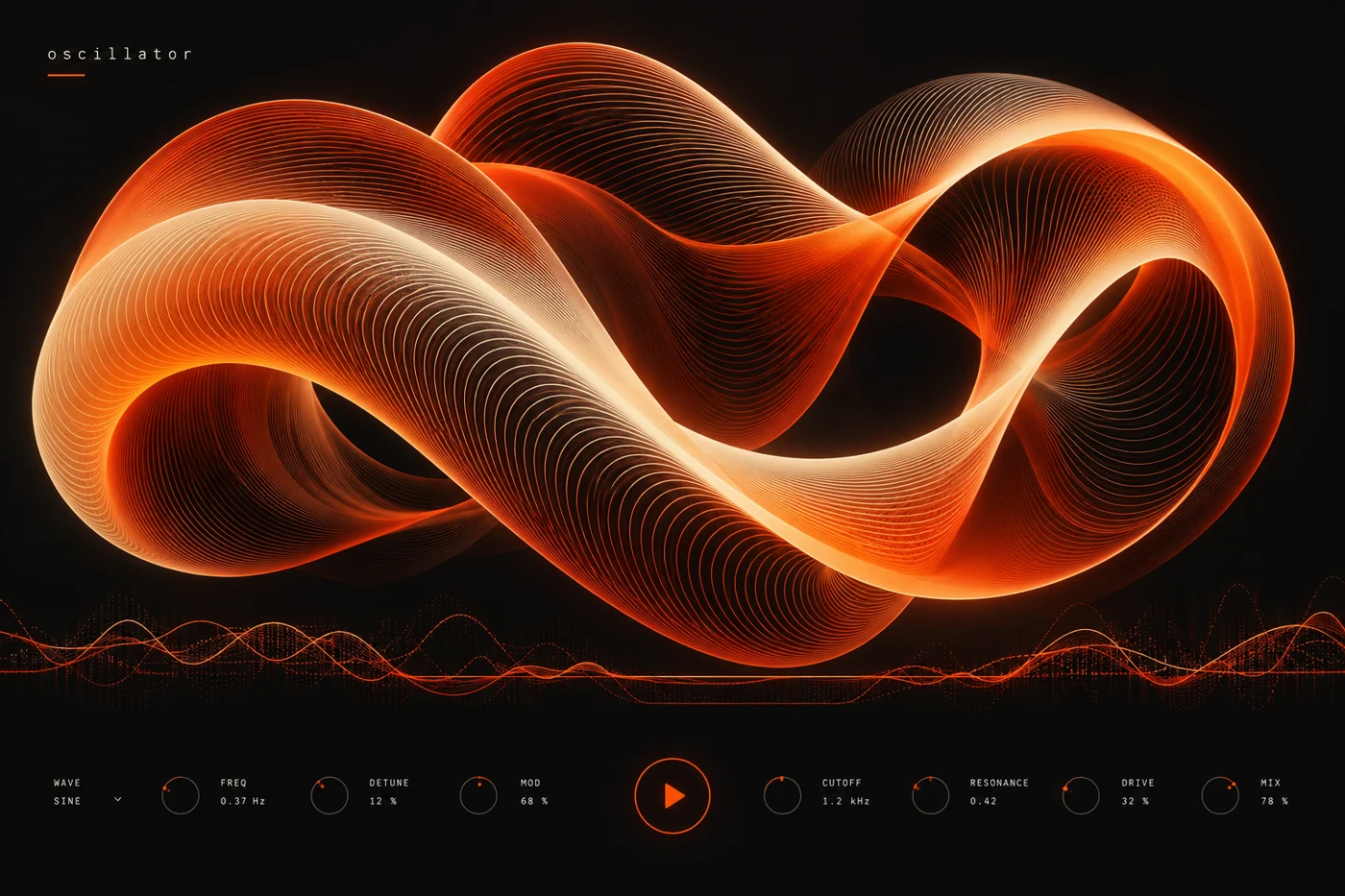
Oscillator started as a creative computing study and became a small collection of browser experiments. Each sketch connects a sound parameter to a visible gesture: stretch a wave, move a point or draw a path and listen to what changes.
Keep the relationship legible
The first sketch exposed too many controls. It behaved like a synthesiser panel but did little to explain itself. I reduced each experiment to one relationship, such as the distance between two points controlling the interval between two tones.
TypeScript connects the interaction state to the Web Audio graph. A lightweight WebGL view renders the waveform and its response to input. The visual layer reads the same parameter values as the audio layer rather than trying to infer them from an animation.
Treat sound as a choice
Every sketch starts silent and asks for a deliberate action before creating sound. Volume has an immediately available control. Keyboard input offers the same parameter changes as pointer gestures, and reduced motion replaces the animated waveform with a steady representation.
I kept rendering and audio scheduling separate. Animation follows the display refresh rate, while sound changes use the audio clock. This made the sketches easier to reason about on devices where a busy frame can arrive late.
Next steps
The collection is an exploration rather than a finished music tool. Its value is the short loop between a gesture and a recognisable change in sound. I would next add a way to save a parameter set and explain what it does, so a playful discovery can become something a person returns to.